Hold a hotkey, speak, and put your words into the app you are using.
ListenToMe is a native macOS dictation app built with SwiftUI and AppKit. Speech recognition runs locally with Whisper or Parakeet, with Parakeet selected for new installs. Optional Gemma cleanup runs on the Mac through llama.cpp; Claude cleanup requires an explicit cloud opt-in. Finished text can go to the active app, the clipboard, or Apple Notes.
Dictation where you work
A configurable global hotkey starts audio capture. Releasing it moves speech through local transcription and optional cleanup before delivery. A draggable floating pill shows recording, transcription, cleanup, and completion states, with cancellation and inline correction controls.
Local inference with explicit cloud opt-in
Parakeet uses FluidAudio and Core ML on the Apple Neural Engine. Whisper offers a warm server path and an in-process path. Optional Gemma cleanup uses llama.cpp, with a cleanup gate and meaning checks. A missing local cleanup model keeps the raw transcript rather than silently switching to cloud processing.
Output and personal vocabulary
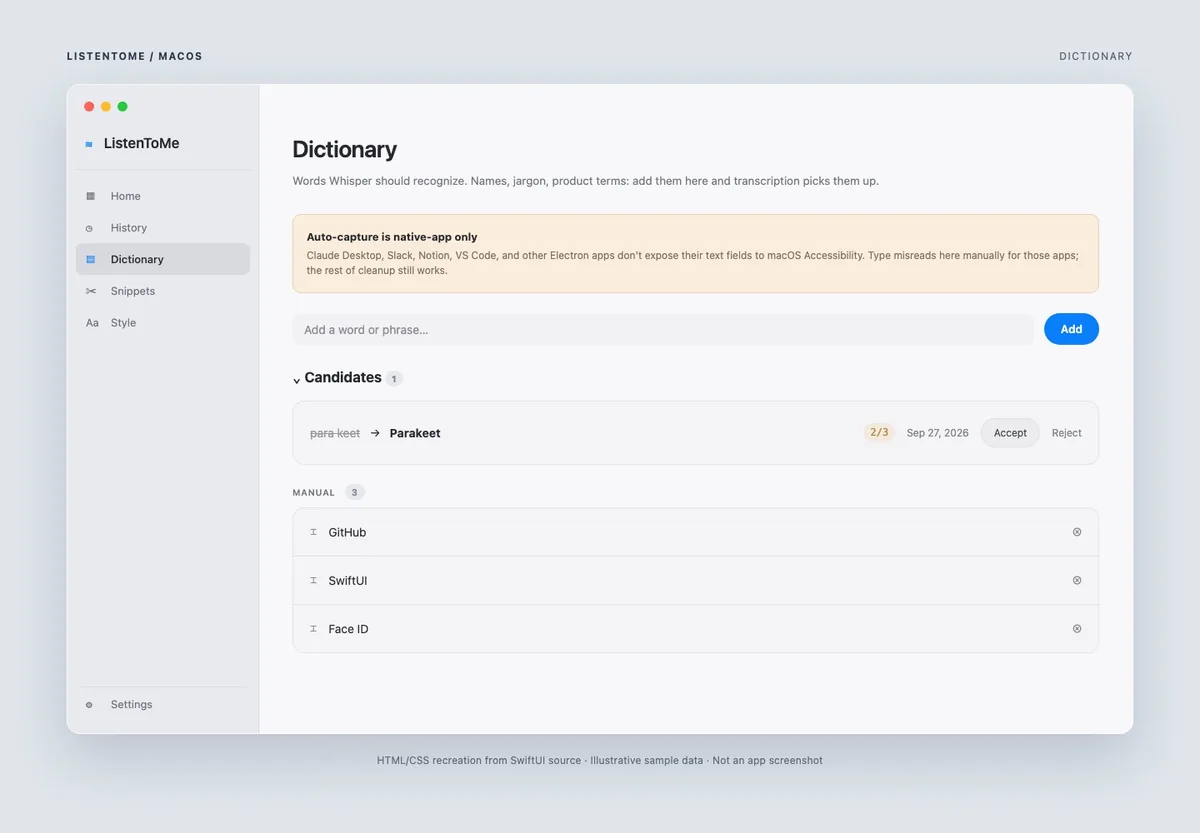
Text can be pasted into the active app, copied to the clipboard, or written to Apple Notes. Notes supports appending to one note, creating a note per dictation, and daily notes. Dictionary entries preserve names and casing; repeated manual corrections can become vocabulary candidates. Correction auto-capture is limited to native apps that expose accessible text fields.
History under user control
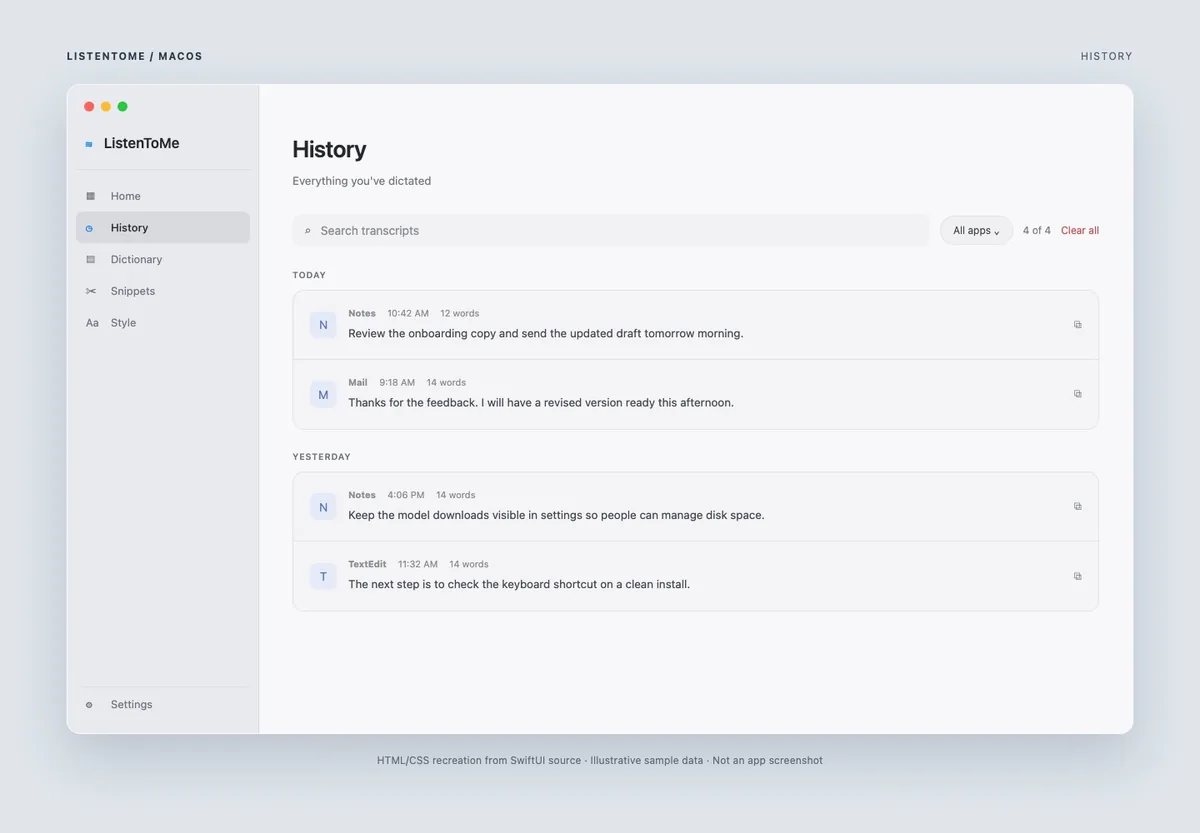
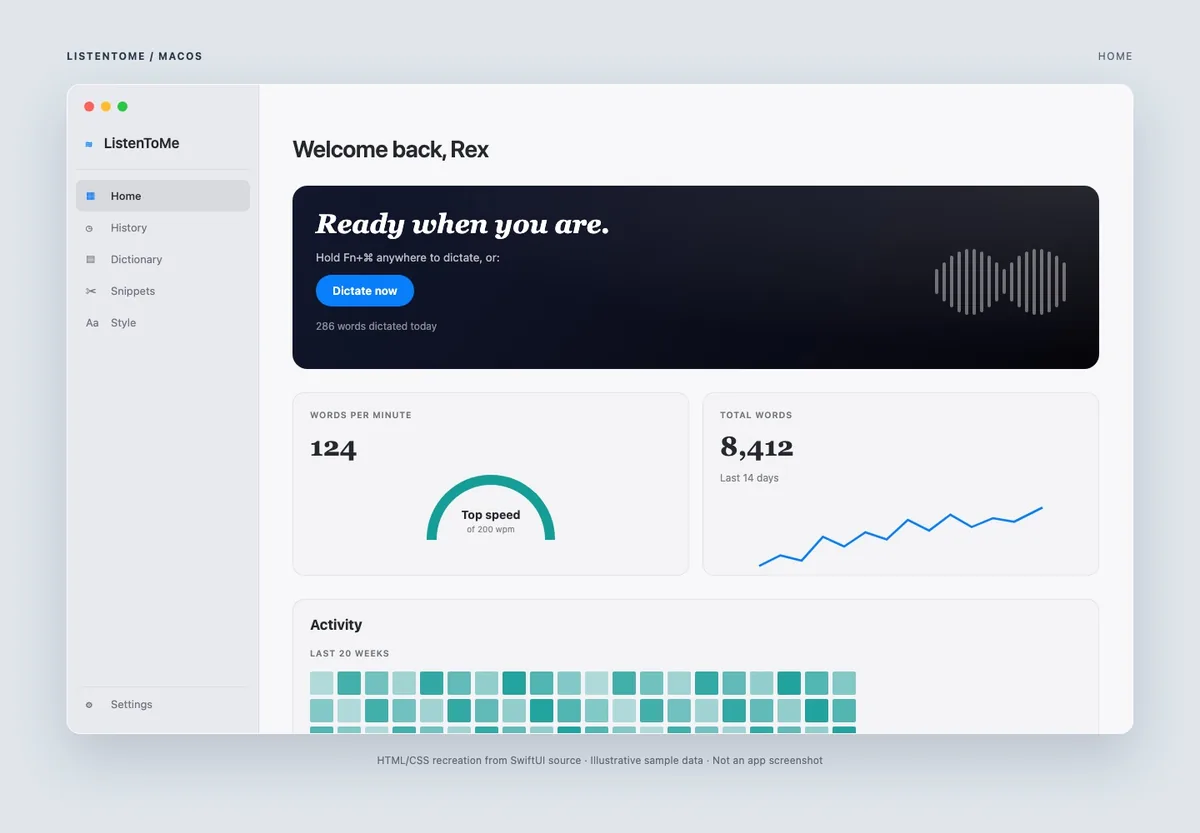
History is searchable and filterable by target app, with paginated rendering and configurable retention. Optional AES-GCM encryption stores its 256-bit key in the macOS Keychain. Users can clear history from the app. The Home dashboard shows word totals, speaking pace, activity, and app usage.
Download and setup
The verified v0.21.1 release provides a DMG for macOS 14 or later. Move the app to Applications and complete onboarding, including model setup and microphone and Accessibility permissions. Apple Notes needs a separate automation permission. The DMG is about 9.2 MB; downloaded inference models take additional space.
Highlights
- Global push-to-talk hotkey and draggable status pill
- On-device Whisper or Parakeet transcription
- Optional local Gemma cleanup; cloud Claude only by explicit choice
- Active-app, clipboard, and Apple Notes destinations
- Custom dictionary, snippet expansion, and searchable history
- Optional history encryption with a Keychain-managed key